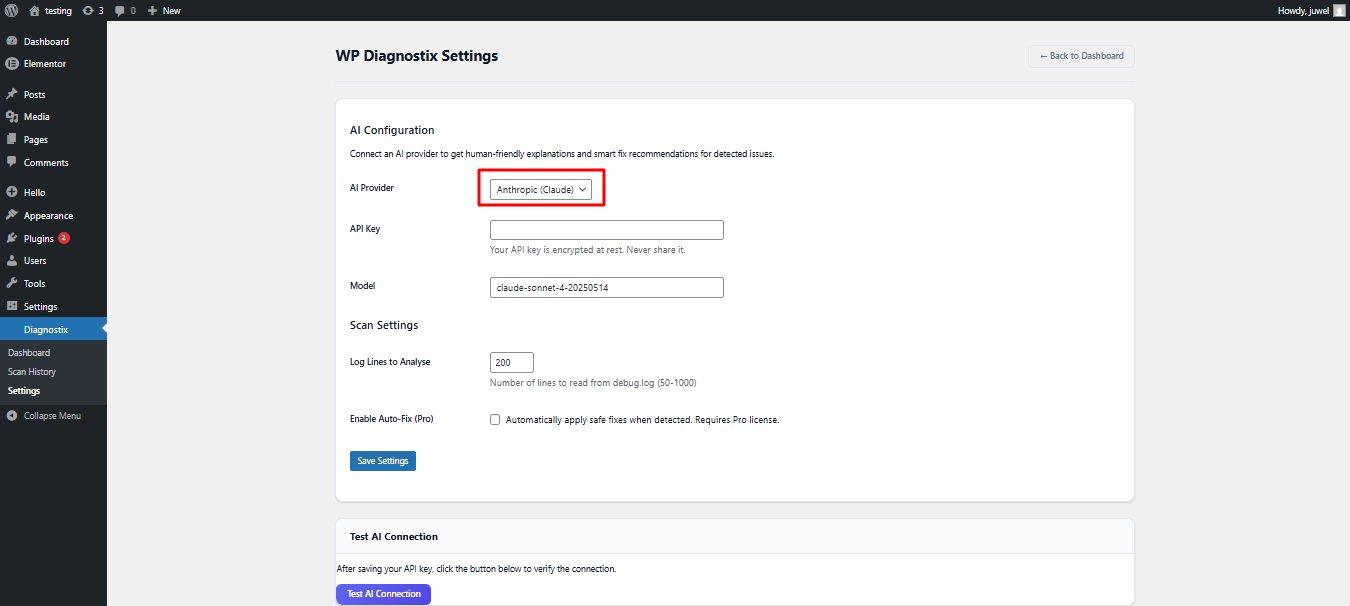
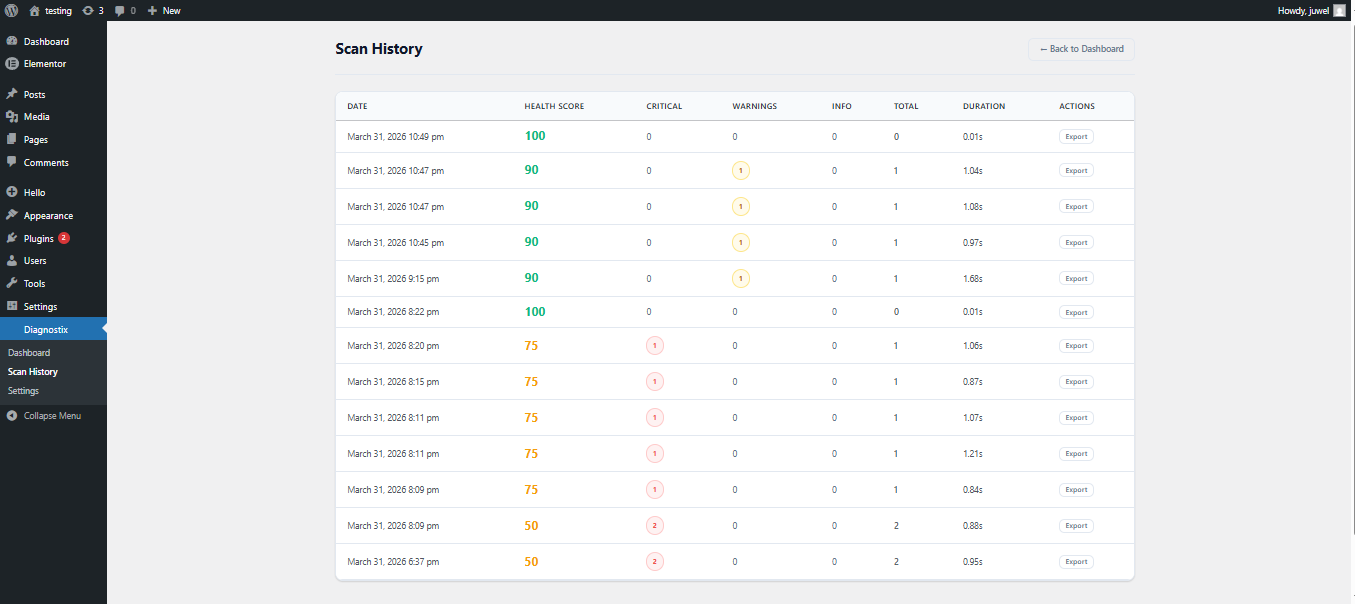
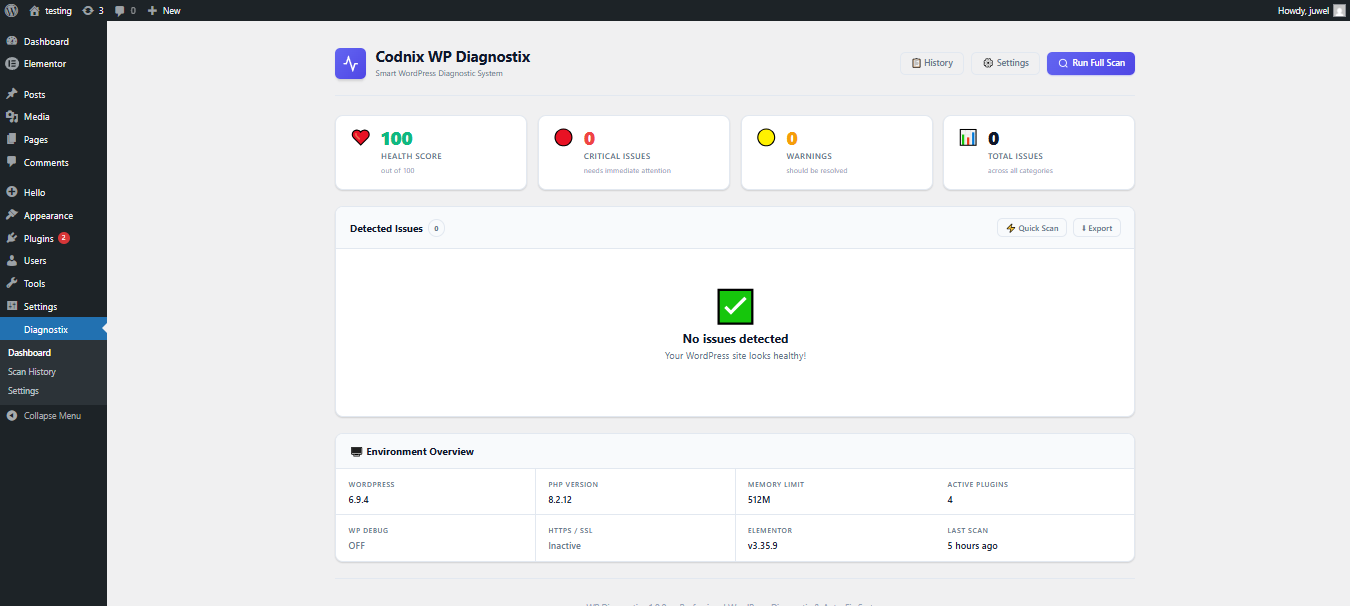
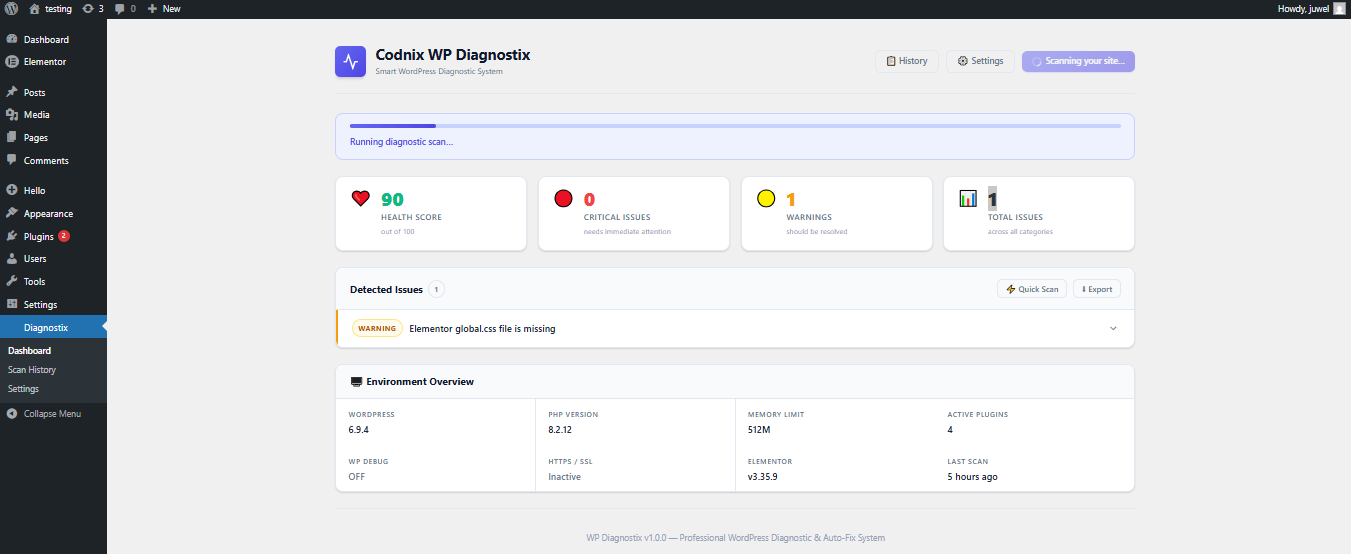
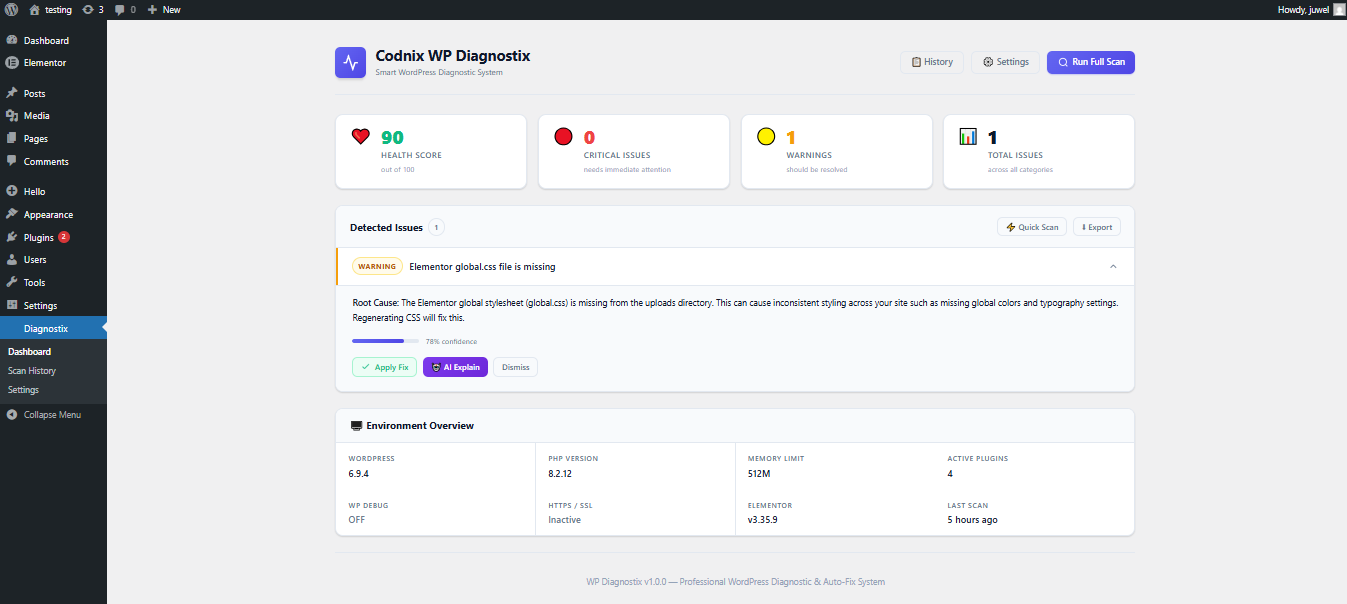
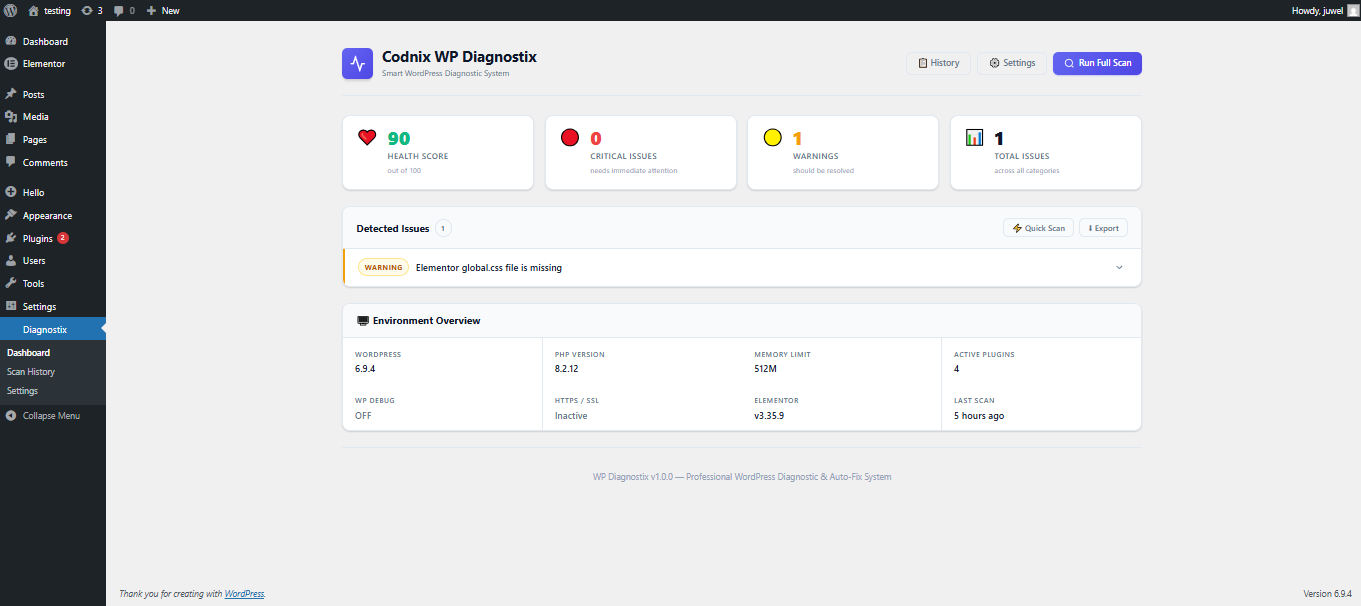
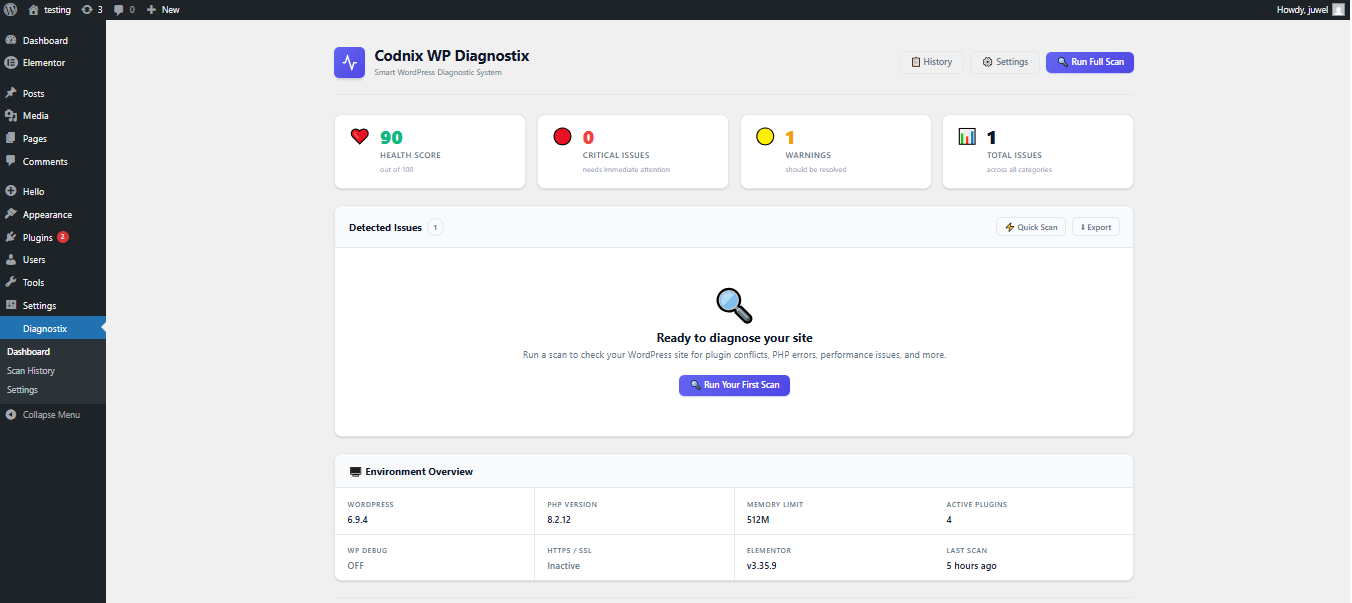
Codnix WP Diagnostix

By JUWEL ISLAM

Description

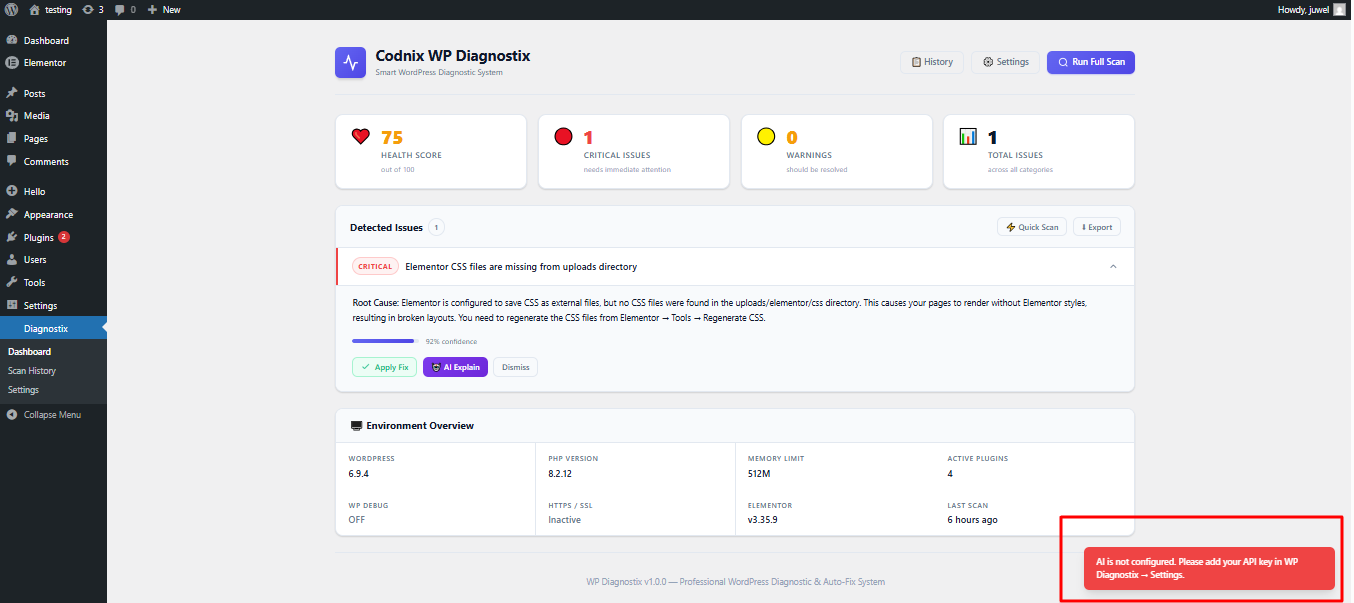
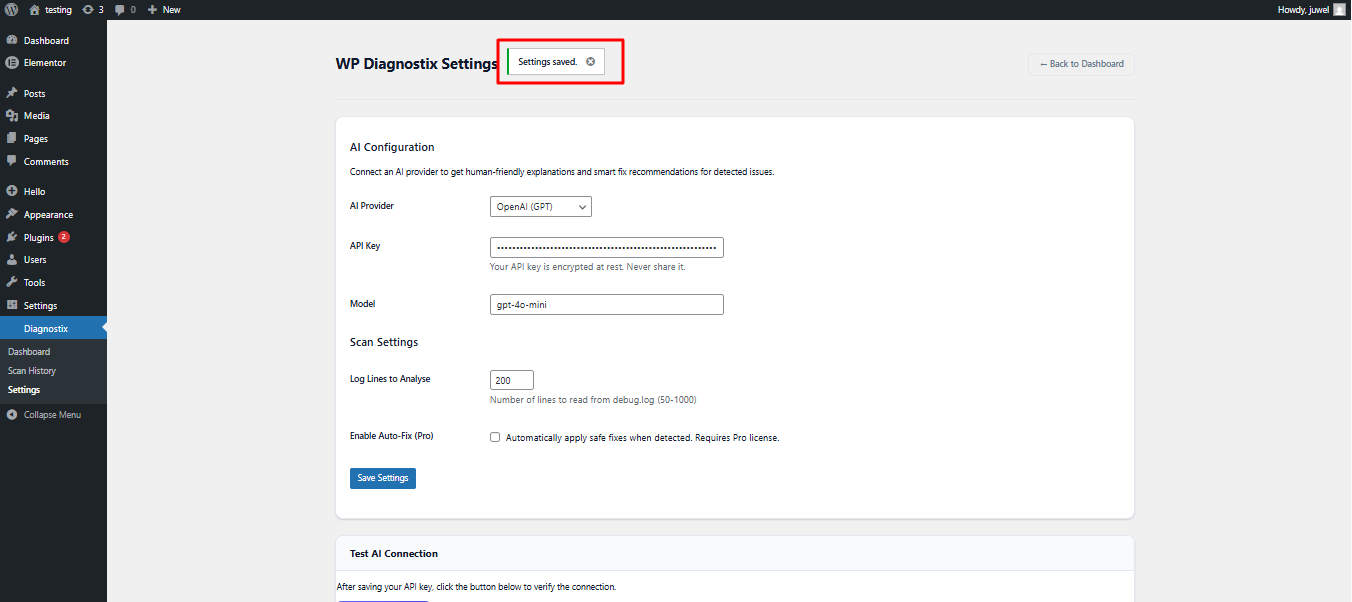
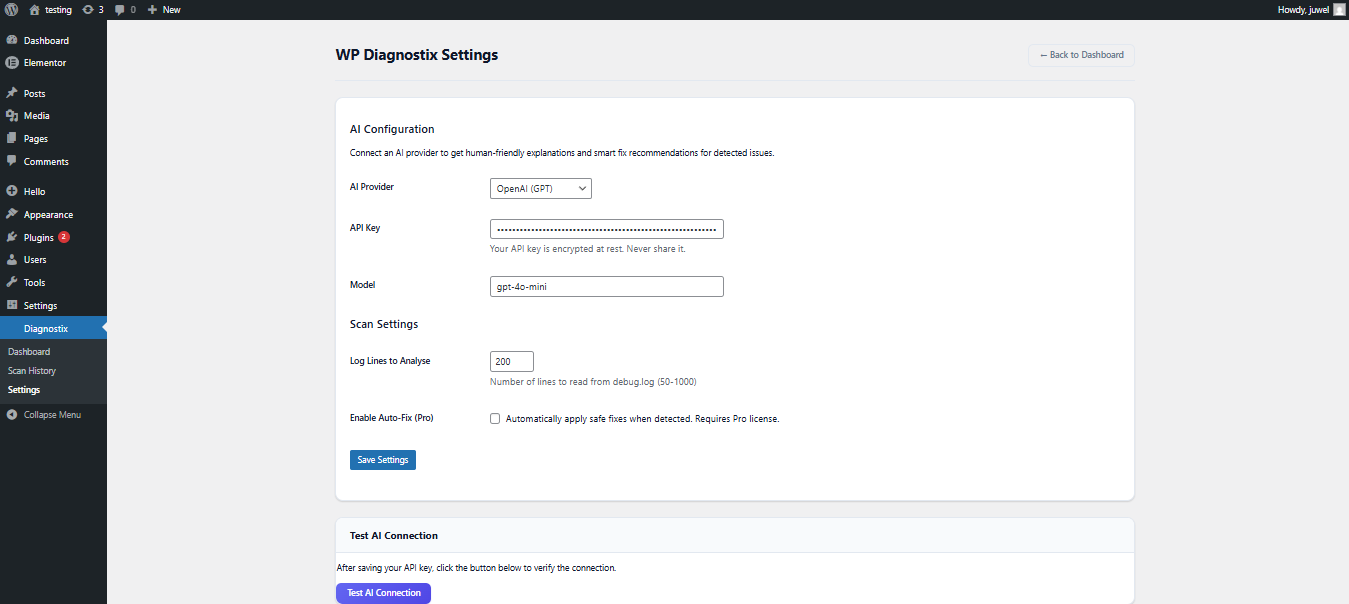
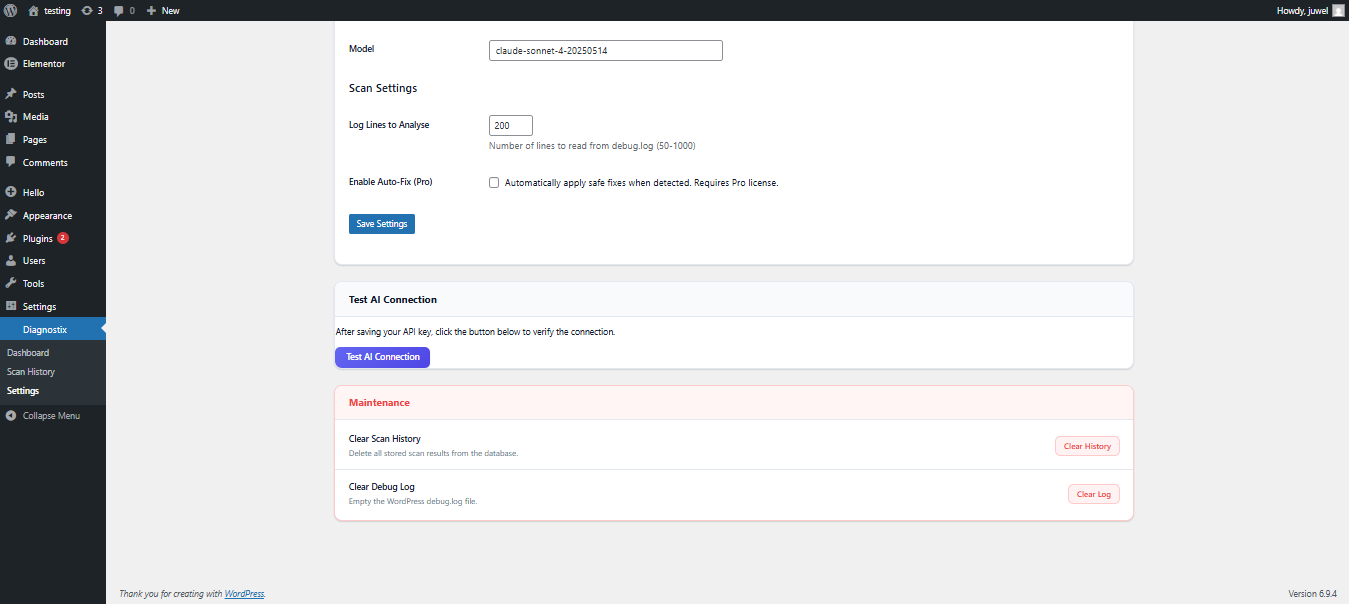
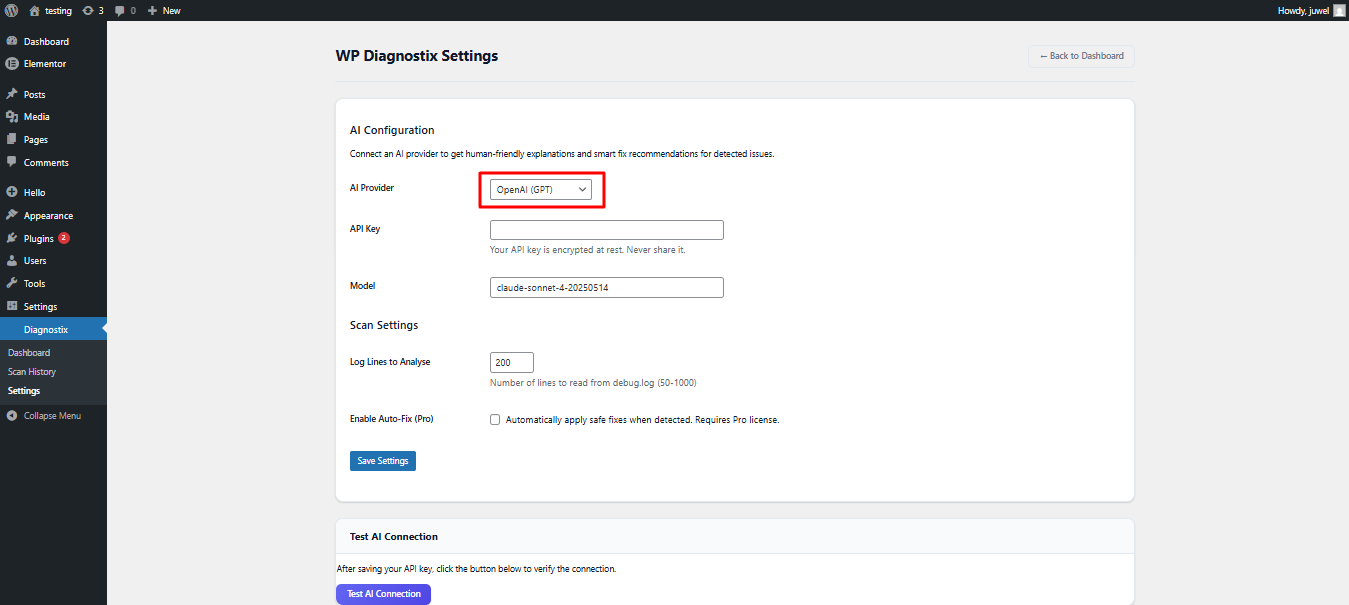
Codnix WP Diagnostix is an advanced WordPress diagnostic and troubleshooting plugin designed to detect, analyze, and fix common website issues โ€” without requiring technical knowledge.

Whether you’re a developer, agency, or non-tech website owner, Diagnostix gives you deep insights into your WordPress health and helps you resolve problems like plugin conflicts, performance bottlenecks, and configuration errors in just a few clicks.

No more guessing. No more breaking your site while debugging.

๐Ÿ‘‰ Scan. Detect. Fix. Done.

โšก Core Features

๐Ÿง  Smart Issue Detection

  • Automatically scans your WordPress site for:
    • Plugin conflicts
    • Theme conflicts
    • PHP errors & warnings
    • Broken hooks & functions
    • REST API issues

๐Ÿ”Œ Plugin Conflict Detector

  • Detect which plugin is causing issues
  • Conflict simulation without breaking live site (safe mode concept)
  • Suggest possible fixes

โšก Performance Analyzer

  • Identify:
    • Slow plugins
    • Heavy scripts
    • Database overload
  • Lightweight performance scoring system

๐Ÿ›  Auto Fix Suggestions

  • AI-like recommendations (rule-based for MVP)
  • Step-by-step fix guidance for non-tech users

๐Ÿงช Safe Debug Mode

  • Enable debugging without affecting visitors
  • Debug only for admin users

๐Ÿ“Š System Health Overview

  • Server info (PHP version, memory, etc.)
  • WordPress configuration check
  • Security recommendations

๐Ÿ“ Error Log Viewer

  • View PHP errors directly inside dashboard
  • Filter and search logs easily

๐Ÿ” Security Check (Basic)

  • Detect:
    • Debug mode enabled in production
    • Weak configurations
    • File permission issues

๐ŸŒŸ Why Codnix WP Diagnostix?

  • Built for non-technical users
  • Saves hours of debugging time
  • Prevents site crashes during troubleshooting
  • Clean UI inside WordPress dashboard
  • No coding required

๐Ÿงฉ Perfect For

  • Freelancers
  • Agencies
  • WordPress developers
  • Website owners
  • Elementor users

Version

1.0.1

Last updated

15.04.2026

Active installations

17+

WordPress version

6.5 or higher

Tested up to

7.4 or higher

Tags

wordpress diagnostics, wordpress debug plugin, plugin conflict detector, wordpress troubleshooting, wp error checker, wordpress health check, wp performance scanner, wordpress bug finder, debug wordpress safely, wordpress fix plugin, elementor troubleshooting, wp optimizer tool, wordpress developer tools, wp site health

Type

Plugin FAQ Section

1. What does this plugin do?

This plugin adds powerful functionality to your WordPress website, helping you extend core features and improve your workflow without writing custom code. It is designed to be lightweight, easy to use, and fully compatible with modern WordPress environments.

Add Your Heading Text Here

Add Your Heading Text Here

Add Your Heading Text Here

Add Your Heading Text Here

You can install the plugin in two simple ways:
Method 1 โ€” Upload ZIP File Go to WordPress Dashboard Navigate to Plugins โ†’ Add New Click Upload Plugin Upload the ZIP file Click Install Now and then Activate
Method 2 โ€” Manual Upload Upload the plugin folder to /wp-content/plugins/ via FTP and activate it from the dashboard.

Yes. Codnix plugins receive regular updates for:
New features
Performance improvements
Security enhancements
WordPress compatibility

You can contact us through the Codnix website support page to report bugs or suggest new features. We actively listen to user feedback to improve our plugins.

Some Codnix plugins are free, while others may offer premium versions with advanced features. Please check the plugin page for licensing details.

Yes. Codnix plugins follow WordPress coding standards and are compatible with most themes.

Latest Themes Plugins